
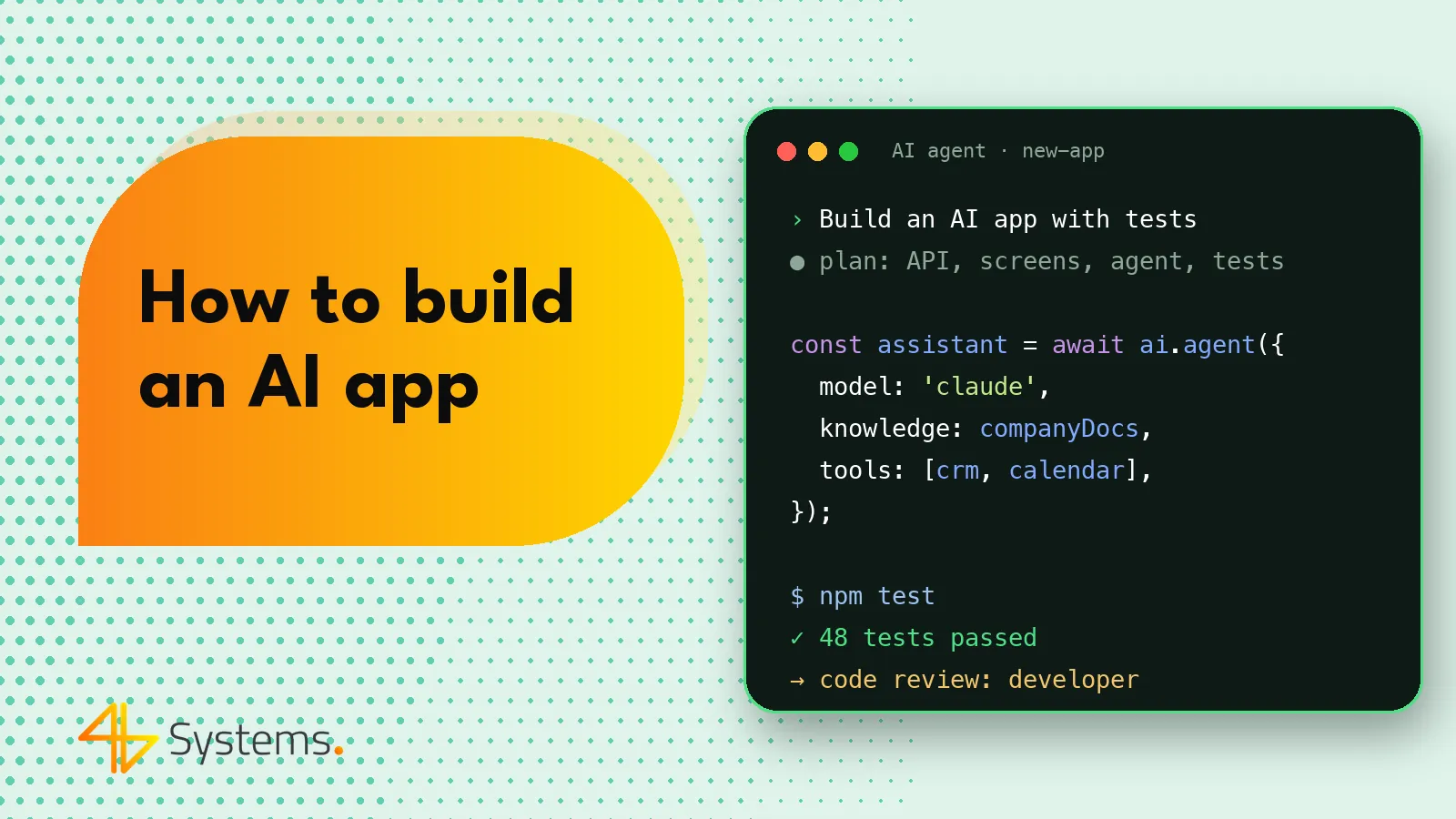
To build an AI app, start with a specific business problem, prepare the data, choose a model (e.g. Claude, GPT, Gemini, Llama or Mistral), design how it will be supplied with knowledge (most often RAG), build a prototype and an MVP, test answer quality with evaluations, and then deploy the solution with cost monitoring and compliance with GDPR and the EU AI Act. The model itself is only one element – success depends on the data, integrations, interface and how the application behaves when the AI gets it wrong.
In this guide we go through the entire AI app development process step by step – the way it looks in projects delivered by a software house. Whether you are thinking of a web app, a mobile app or an AI feature in an existing system, the stages are similar.
What is an AI app
An AI app is software in which a key function is performed by an artificial intelligence model – most often a large language model (LLM). Examples include:
- an assistant that answers customer questions based on company documentation,
- a tool for analyzing contracts, invoices or tickets and extracting data from them,
- an internal knowledge search engine for employees,
- a generator of offers, product descriptions or reports based on data from your systems,
- a mobile app that recognizes photos or documents,
- an agent that performs tasks in company systems on its own – more on this on our page about AI agents for business.
From the user's point of view, it is an ordinary application with an interface, accounts and permissions. The difference is that part of the logic is not written directly in code but handled by a model that works probabilistically – meaning it may answer slightly differently each time and sometimes get it wrong.
AI app development step by step
Here are the stages a typical project goes through. The order matters – the most expensive mistakes come from skipping the first steps.
- Choosing the problem and describing the process
- Data inventory and preparation
- Choosing the model
- Architecture: prompt, RAG, tools
- Prototype
- MVP
- Testing and evaluations
- Deployment and monitoring
- Maintenance, costs and development
We discuss each of them below.
Step 1. Idea and process – where to start
The best AI apps don't start with the question "what can we do with AI?", but with "which process takes us the most time or produces the most errors?". A good candidate:
- is repetitive and involves many people or many cases,
- relies on text, documents, images or data that can be made available to the model,
- tolerates a certain level of errors or allows a human to verify the result,
- has a measurable effect – handling time, number of cases, answer quality.
At this stage, it is worth describing the process as it is today: who does what, on what data, how long it takes, where the bottlenecks are. This description will later be your reference point when assessing whether the application delivers value.
Step 2. Data – the fuel of an AI app
A language model knows the world in general, but it doesn't know your company. It has to get knowledge about products, procedures, price lists or customers from your data. That is why you need to establish:
- what data is needed – documents, knowledge base, CRM, ERP, tickets, emails,
- where it is and in what format – PDF files, databases, systems with an API, scans,
- what its quality is – how current it is, contradictions, duplicates, gaps,
- who has access to it – the application must respect permissions so that users cannot see, through AI, documents they would not normally have access to,
- whether it contains personal data – which directly affects GDPR requirements.
It often turns out that putting the data in order is the biggest part of the work – and at the same time an investment that pays off beyond the AI project too.
Step 3. Choosing the AI model
There are two main groups of models to choose from: models available via a cloud API and open-weight models that you can run on your own infrastructure.
| Criterion | API models (e.g. Claude, GPT, Gemini) | Open-weight models (e.g. Llama, Mistral) |
|---|---|---|
| Quality in complex tasks | Usually the highest available | Good, depending on model size and the task |
| Project start | Fast – all you need is an API key | Requires infrastructure (GPUs) or a hosting provider |
| Control over data | Depends on the provider's terms and the processing region | Full, if the model runs on your side |
| Costs | Pay per usage (tokens) – grows with traffic | Mainly infrastructure – fixed, regardless of the number of requests |
| Maintenance | On the provider's side | On your side: updates, scaling, security |
In practice, several models are often used: a more powerful one for difficult tasks, a cheaper and faster one for simple tasks (classification, summaries), and sometimes a local one for particularly sensitive data. It is worth designing the application so that the model can be swapped – the market moves fast and today's choice may not be the best one a year from now. When comparing models, don't rely on online rankings; test them on your own examples.
Step 4. Architecture: prompt, RAG and tools
There are several ways to make a model work with your knowledge and in your systems:
A prompt with instructions
The simplest form: the model receives instructions (role, rules, response format) and input data. This is enough for tasks where all the necessary information fits in the request – e.g. summarizing a document uploaded by the user.
RAG – retrieval and generation
RAG (Retrieval-Augmented Generation) is the most common architecture in business applications. Documents are split into chunks, converted into vectors (embeddings) and stored in a vector database. When a user asks a question, the system retrieves the best-matching chunks and passes them to the model together with the question. The model answers based on the sources provided and can cite them. Advantages: knowledge is always up to date (you just update the documents), it is easy to show the source of an answer and to reduce hallucinations. However, RAG quality depends heavily on how documents are chunked, search quality and permission-based filtering.
Tools and agents
When the application should not only answer but also act – check an order status, create a ticket, send an email – the model is given access to tools (API functions). The MCP standard is increasingly used for this. Such an application becomes an AI agent and requires a particularly careful design of permissions and human confirmations.
Fine-tuning
Fine-tuning a model on your own data is needed less often than you might think. It works for a specific style, format or a narrow classification task, but RAG is usually better suited to supplying knowledge about your company.
Step 5. AI app prototype
The prototype has to answer one question: can the model, on our data, handle the task at an acceptable level? At this stage you don't build accounts, permissions or a full interface. A simple screen or script and a few dozen real examples are enough. Tools such as v0, Lovable or Bolt are useful for interface mockups – they let you quickly show what the application could look like. The prototype is also the moment to say honestly "this won't work" – better after two weeks than after six months.
Step 6. MVP – the first version for users
An MVP is an application that real users can work with, albeit in a limited scope. It already includes the elements without which production use is impossible:
- login, roles and permissions (including for data searched through RAG),
- a web or mobile interface tailored to its users – see how to build a web application,
- integrations with source systems,
- logging of queries and answers (in line with GDPR),
- a way for users to report incorrect answers,
- handling of situations where the model doesn't know the answer or is unavailable.
When building an MVP, developers increasingly use AI themselves – tools such as Claude Code, Cursor or GitHub Copilot speed up repetitive work, as long as every change goes through review. This is how we work at 4B Systems, as we describe on our page about AI apps and AI-assisted development.
Step 7. Testing and evaluations
An AI app is tested on two tracks. Classic tests (unit, integration, E2E) check whether the code works. Evaluations check whether the AI works well: you prepare a set of questions or cases with expected answers and regularly measure how the model handles them – accuracy, faithfulness to sources, format, tone. Evaluations are run with every change of prompt, model or data so that quality doesn't degrade "silently". On top of that come security tests, including resistance to prompt injection. Details in our article on AI in software testing.
Step 8. Deploying the AI app
It is worth deploying in stages: first a narrow group of users, then further departments or customers. After launch, you need to monitor not only errors and performance but also answer quality, user reports and costs. Users should know they are using AI, understand its limitations and have a simple way to escalate to a human.
Step 9. AI app running costs – tokens and more
The cost of an AI app is not just the build. After deployment, there are ongoing costs:
- tokens – API models are billed by the amount of text processed, separately for input and for the generated output; in RAG, each request also contains document chunks, which increases usage,
- embeddings and the vector database – when indexing and updating documents,
- infrastructure – servers, a database, and with local models also GPUs,
- monitoring, evaluations and development – updating prompts and data, moving to newer models.
Token costs can be reduced by choosing a smaller model for simpler tasks, shortening the context, using the provider's caching mechanisms and limiting the number of calls. Specific rates depend on the model and provider – check the vendor's current pricing and estimate costs based on real MVP traffic.
GDPR and the EU AI Act in AI apps
GDPR
If the application processes personal data, all GDPR rules apply. In practice, this means, among other things:
- a data processing agreement with the model and hosting provider,
- a conscious choice of the data processing region (e.g. in the European Economic Area) and an assessment of transfers outside the EEA,
- data minimization – only the data needed for the task is sent to the model,
- defining the retention period for conversation logs,
- checking that the provider does not use the data to train models,
- where necessary, a data protection impact assessment (DPIA).
EU AI Act
The EU Artificial Intelligence Act (EU AI Act) introduces requirements that depend on a system's risk level. Some practices are prohibited, high-risk systems – including in areas such as recruitment or creditworthiness assessment – are subject to detailed obligations, and for many typical applications transparency obligations are key, e.g. informing users that they are interacting with an AI system. The rules are coming into force in stages – at the design stage, it is worth establishing which category the application falls into and checking the current timeline of obligations, ideally with a lawyer.
AI apps – the most common mistakes
- starting with the technology instead of the problem,
- overlooking data quality and data permissions,
- no evaluation set – "it seems to work" instead of measurement,
- tying the architecture to a single model with no way to swap it,
- underestimating token costs as traffic grows,
- no path to a human when the AI doesn't know the answer,
- leaving GDPR and the EU AI Act until the end of the project.
Summary
Building an AI app is a process in which the language model is only one of the elements. The keys are: a well-chosen problem, well-organized data with permissions, a considered choice of model, the architecture (most often RAG), a quick prototype, an MVP with real users, quality evaluations, a staged rollout, cost control and compliance with GDPR and the EU AI Act. This order lets you check quickly whether the idea works and avoid overpaying for a solution that won't deliver value. If the application should also run on phones, see how we build iOS and Android mobile apps for businesses.
Have an idea for an AI app? 4B Systems will design and build it from prototype to deployment – with model selection (Claude, GPT, Gemini, Llama, Mistral), RAG, evaluations and GDPR in mind. Explore our AI app development services for businesses and describe your idea – we will prepare a quote within 48 hours.
Frequently asked questions
How long does it take to build an AI app?
It depends on the scope, data and integrations. A prototype that checks whether the model can handle the task is usually built much faster than an MVP, and an MVP faster than a full production version. The exact timeline is set after analyzing the process and the data.
Do you need to train your own model for an AI app?
Usually not. Most business applications use ready-made models via an API or open-weight models, and supply them with company knowledge through RAG. Fine-tuning makes sense in narrow cases, e.g. for a specific response format or style.
What is RAG in an AI app?
RAG is an architecture in which the system first searches the company's documents for passages that match the question and then passes them to the model together with the question. As a result, answers are based on up-to-date sources that can be shown to the user.
Which model should you choose for an AI app?
The choice depends on the task, data requirements and costs. API models such as Claude, GPT or Gemini let you start quickly, while open-weight models such as Llama or Mistral give you full control over data when self-hosted. It is best to compare several models on your own examples.
How much does it cost to maintain an AI app?
Running costs include tokens or infrastructure for the model, a vector database, hosting, monitoring and further development. Rates depend on the model and traffic, so check the providers' current pricing and estimate costs using data from the MVP.
Does an AI app have to comply with the EU AI Act?
Yes, if it is made available or used in the EU, although the scope of obligations depends on the risk category. For many applications, transparency obligations are key, while high-risk systems face far more requirements. The timeline is being phased in, so it is worth reviewing it with a lawyer at the design stage.