
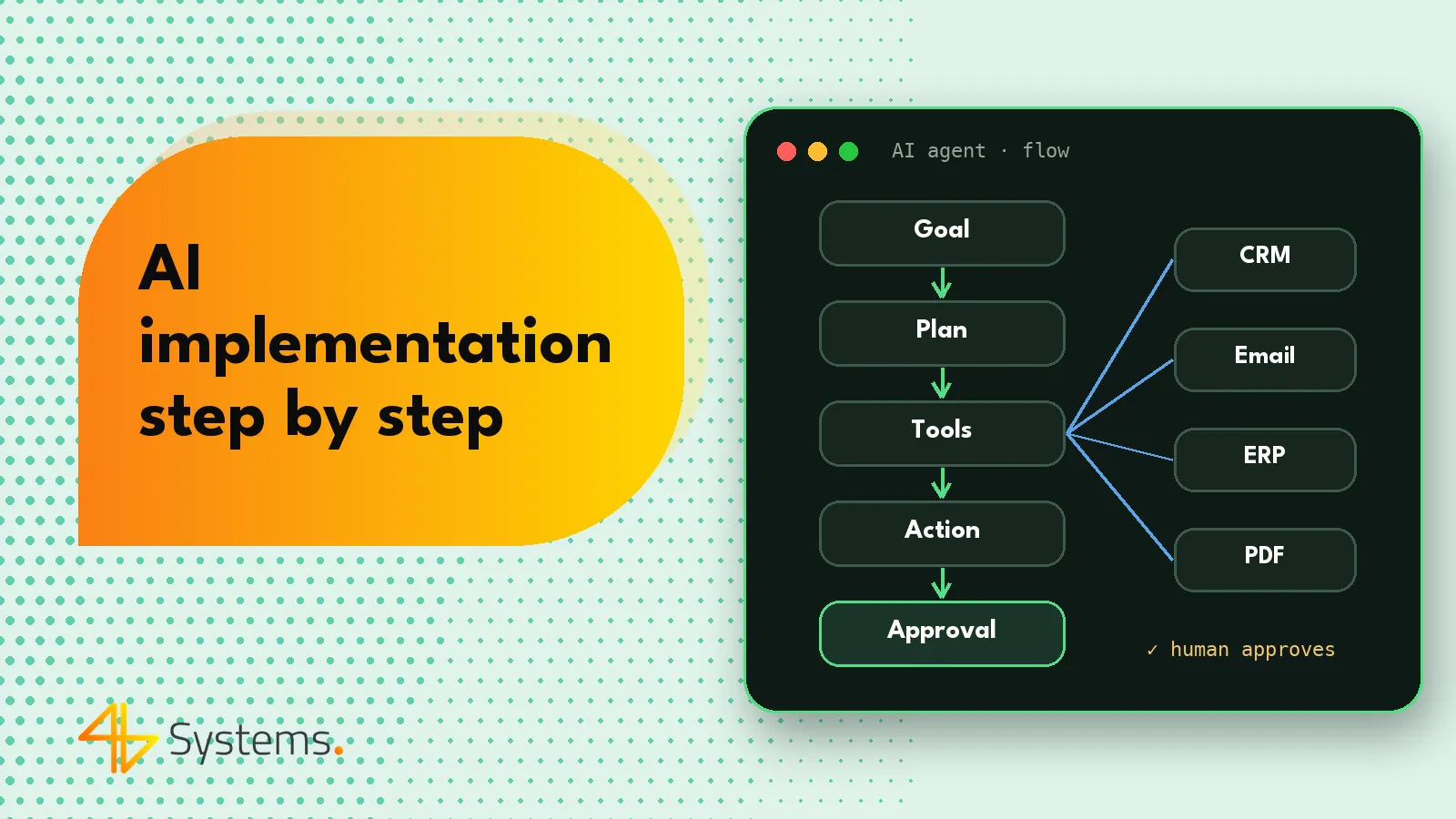
AI implementation in business is a project that starts with choosing a specific business process, not with buying a tool – first you establish where your team loses time and how you'll measure improvement, then you check the data and security requirements, and only at the end do you choose the model and integration approach. A phased approach gives the best results: audit, a pilot of one process with clear metrics, team training and only then scaling. Below we describe each step and the mistakes that most often cause AI implementation to end at the presentation stage.
This guide covers both simpler use cases – AI assistants and AI-supported automation – and AI agents that carry out process steps in your company's systems on their own. The principles are the same; what differs is the level of risk and the number of integrations.
AI implementation in 10 steps – overview
- Process audit – a map of tasks, volumes and systems.
- Choosing the first process – high volume, clear criteria, reversible outcomes.
- Data assessment – where the agent or model will get information from and how good it is.
- Security and GDPR – permissions, data processing, choice of provider.
- EU AI Act analysis – risk classification and obligations.
- Solution design – division of work between AI and people, integrations, limits.
- Pilot – limited scope, real cases, comparison with the current way of working.
- Measuring results – KPIs defined before launch.
- Team training – working with AI, rules, accountability.
- Scaling – more processes, monitoring, maintenance.
Step 1. Process audit – where to start with AI implementation in business
An audit consists of a few conversations with the people who do the work every day and a review of the systems they use. The goal is a list of candidates for AI support, with basic data on each one. For every process, gather:
- how many cases of this type come in per week or month and how long one takes;
- what input data arrives (emails, PDFs, forms, calls) and in what format;
- which systems the employee uses – CRM, ERP, email, calendar, spreadsheets, industry-specific systems;
- where errors, delays and team frustration occur;
- what happens if the AI solution makes a mistake, and whether the error can be easily detected and undone.
A good audit ends not only with a list of ideas but also with rejecting some of them. Many tasks can be solved with ordinary business process automation without a language model – and that's good news, because it will be cheaper and more predictable.
Step 2. Choosing the first process
The first process determines whether the organization will believe further work is worthwhile. That's why we don't pick the hardest or most prestigious one, but one that meets a few conditions:
- high volume of repetitive but not identical cases;
- a clear correctness criterion – it's easy to judge whether the result is good;
- reversible outcomes or a natural point for human approval;
- available data and APIs in the systems you need to connect to;
- an engaged process owner on the business side.
Typical good candidates include ticket triage in customer service, purchase invoice workflows, lead qualification, or preparing notes and tasks after meetings. For more inspiration, see our overview of AI agent examples in business.
Step 3. Data – the fuel for AI
A language model is only as good as the information it receives. At this stage we check whether the knowledge base is up to date, whether price lists and procedures exist in a form that can be shared, whether key fields in the CRM are filled in and whether historical cases are suitable for testing. It often turns out that a few documents need tidying up or statuses need standardizing first – that's not wasted time but an investment that pays off regardless of AI.
It's also worth preparing a test set right away: dozens or hundreds of historical cases along with how they were correctly resolved. You can use it to compare successive versions of the solution and assess progress objectively.
Step 4. Security and GDPR
If AI is going to work with customer or employee data, personal data protection must be part of the project from day one. In particular, you need to establish:
- where the data is processed – by a cloud model provider or on the company's own server with an open-source model;
- the provider's terms – data processing agreement, processing location, rules for storing and using data (check the current terms of your chosen provider);
- data minimization – whether only what's needed for the task is sent to the model;
- permissions – the solution has access only to the systems and operations it needs, using a separate service account;
- logs – a record of every action lets you reconstruct what happened and answer questions from customers or auditors;
- resistance to manipulation – external content, such as emails, may contain attempts to give the model instructions (prompt injection), so critical operations require additional checks.
Involve your data protection officer or the person responsible for GDPR in your company in this part. An early conversation is far cheaper than rebuilding a finished solution.
Step 5. The EU AI Act – what it means for your implementation
The EU regulation on artificial intelligence (EU AI Act) is built on a risk-based approach. Some practices are prohibited, high-risk systems – including in areas such as employment and worker evaluation, access to essential services and education – are subject to extensive requirements, and for many other applications the most important are transparency obligations, such as informing users that they are interacting with an AI system. The regulation also emphasizes human oversight and the AI literacy of people using AI within an organization.
Most typical business applications – draft replies, organizing documents, sales support – don't fall into the high-risk category, but this needs to be assessed case by case. The timeline for applying individual provisions is phased and has been subject to change, so for a specific project it's worth checking the current legal status or consulting a lawyer. The good news: the principles we apply in design anyway – human approval of key decisions, logs, transparency toward customers – align well with the regulation's requirements.
Step 6. Solution design
Only now is it time for technology. The design answers these questions: which steps AI performs and which a person does; where approval is needed; which systems need integrating; which model to choose (a commercial one such as Claude, GPT or Gemini, or open source on your own server); and what limits apply to costs and number of actions. In simpler cases an automation platform with a single AI step is enough; in more complex ones, a dedicated agent with a set of tools. If the solution is meant to be a standalone product with its own interface, you'll also benefit from the approach described on our page about AI app development and AI-assisted development.
Step 7. Pilot
A pilot means running the solution on real cases but within a limited scope – one team, one case type, or in “shadow” mode, where AI prepares results while people keep working the old way and compare. A few principles of a good pilot:
- a set duration and scope, agreed in advance;
- all AI outputs initially go through a person;
- a simple way for the team to report errors and feedback;
- regular log reviews and refinement of instructions;
- a decision at the end: expand, improve or drop it.
Step 8. Measuring results – AI implementation KPIs
Metrics must be defined before the pilot, together with a baseline from the period before deployment. Without them, any discussion of results comes down to impressions.
| Area | Example metric | How to measure |
|---|---|---|
| Time | Average case handling time | Timestamps in the CRM or ticketing system |
| Quality | Share of results accepted without corrections | Approvers' decisions recorded in the log |
| Security | Number of errors found after approval | Incident and complaint register |
| Scale | Number of cases handled with AI involvement | Solution logs |
| Escalations | Share of cases handed over to a person | Solution logs |
| Cost | Model and infrastructure cost per case | Provider billing, cost limits |
| Satisfaction | Customer or employee ratings | Short survey, team feedback |
Step 9. AI training for business – preparing your team
Even the best solution won't work if your team doesn't know how to use it or fears that AI will replace them. Training should cover several layers:
- the basics – how language models work, why they sometimes make mistakes and how to spot an incorrect result;
- working with the specific solution – where drafts appear, how to correct them, how to report errors, when to take over a case;
- security rules – what data must not be pasted into public AI tools and how to respond to suspicious content;
- accountability – who approves and who is responsible for the result.
AI training for business works best when it uses examples from your own processes rather than generic demos. The EU AI Act also highlights the need for an adequate level of AI literacy among people who use such systems in an organization. Communication is just as important: AI takes over the copying and searching, while people focus on decisions and relationships.
Step 10. Scaling and maintenance
After a successful pilot it's tempting to expand quickly to other departments. It's better to do it gradually: first extend the scope within the same process (e.g. more case types or gradually reducing approvals for the simplest cases), then add another process using the integrations you already have. An AI solution also needs maintenance – models change, and so do company procedures – so you need quality monitoring, log reviews and periodic tests on a set of reference cases.
Common mistakes in AI implementation in business
- Starting with the tool – “let's buy licenses and see” usually ends in sporadic use with no measurable effect.
- An overly ambitious first project – a do-it-all agent is hard to test and quickly loses the team's trust.
- No process owner – without someone on the business side, nobody makes decisions about changes.
- No metrics before launch – you can't demonstrate impact if you don't know what things were like before.
- Ignoring GDPR and security – especially overly broad permissions and missing logs.
- Full autonomy from day one – human approval can be reduced gradually once the data shows it's safe.
- No testing on real data – a solution that works on a few demo examples can fail on real emails.
- No maintenance – without monitoring, a deployment loses quality over time.
Most of these mistakes share a common cause: treating AI implementation as a purchase rather than a change in how people work. Artificial intelligence works best in a company when it's plugged into a specific process, has a clearly defined role and is subject to the same oversight as any employee.
This is exactly how we work when implementing AI agents for businesses – from the audit, through a pilot of one process, to integrations with CRM, email and ERP and team training.
Planning AI implementation but not sure which process to start with? We'll run an audit, identify a process for the pilot, define success metrics and design a solution with human oversight, logs and cost limits. See our AI agents for business offer or contact us.
Frequently asked questions
How long does AI implementation take in a company?
It depends on the scope, the number of integrations and data quality. An audit and a pilot of a single process is usually a project measured in weeks, not months, while scaling to other departments is a process spread out over time.
Where should AI implementation start?
With a process audit and the choice of one process with high volume, clear criteria for correctness and reversible errors. The tool and model are chosen only once you know what problem needs solving.
Is AI implementation GDPR-compliant?
It can be, if data protection is built in from the start: choose a provider with a proper data processing agreement or a model on your own server, limit the scope of data, grant minimal permissions and keep logs. It's worth involving your data protection officer at the design stage.
Does the EU AI Act apply to my company?
The EU AI Act applies to companies that provide or use AI systems, but the scope of obligations depends on the risk level of the use case. Most typical business applications mainly involve transparency obligations, while AI in recruitment, for example, is subject to stricter requirements – each case should be assessed individually.
Is AI training for employees necessary?
Yes. Your team needs to know how the solution works, how to spot an incorrect result, what data must not be entered into public tools and who is responsible for decisions. Training built around your own company's processes works best.
How do you measure the results of AI implementation?
Set the metrics before the pilot and measure a baseline: case handling time, share of results without corrections, number of escalations, number of errors and cost per case. Comparing these values before and after deployment shows the real impact.