
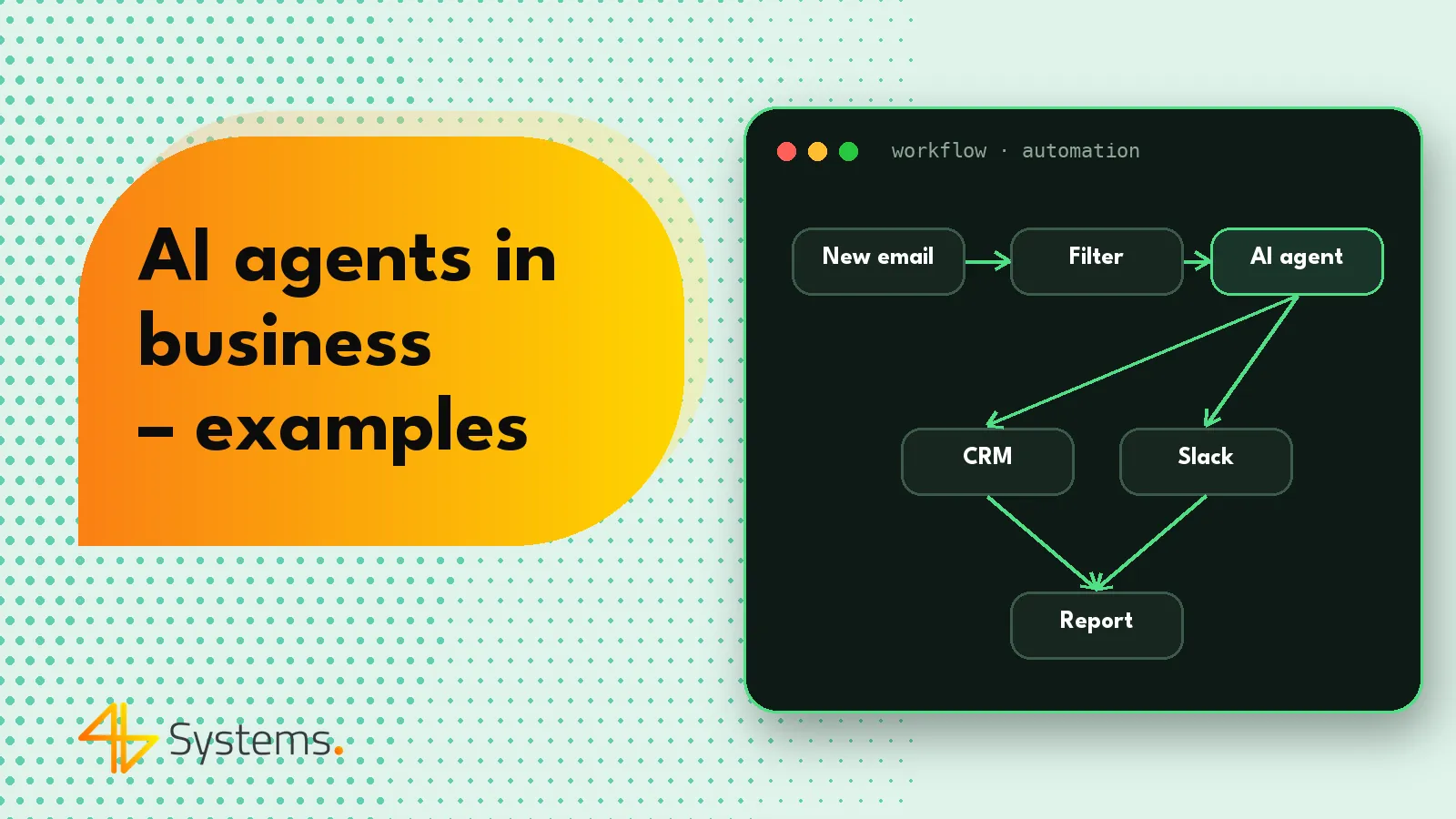
AI agents for business work best wherever your team spends the day reading, sorting and copying information between systems – in email inboxes, the CRM, accounting software, calendars and documents. The agent takes over the preparatory work: it gathers data, classifies cases, drafts replies and updates records, while a person approves anything with real consequences for customers, money or people. Below you'll find nearly twenty AI agent examples grouped by department, with a clear split of responsibilities.
If you're new to the topic, start with our explanation of what an AI agent is and how it differs from a chatbot and automation. Here we focus on practice – on what AI in business can look like in a specific department.
How to read these examples
Every scenario follows the same structure: what the agent does and where a person approves. We don't quote impressive numbers, because the impact depends on volume, data quality and process maturity in a given company. The right metrics – handling time, number of cases closed without corrections, number of escalations – are set during the pilot. All examples also share the same security rules: minimal agent permissions, a log of every action and cost limits.
AI agents in sales
1. Lead qualification and enrichment
- What the agent does: when an inquiry arrives via a form or email, it reads the content, identifies the need, checks whether the company is already in the CRM, fills in data from available sources, assigns a segment and suggests an account owner. It creates a contact record and a sales opportunity with a short note.
- Where a person approves: the sales rep accepts the assignment and decides whether the lead is worth pursuing. The agent never rejects inquiries on its own – it flags them as “to be reviewed”.
2. Proposal preparation and follow-up
- What the agent does: based on the inquiry and price list, it drafts a proposal and a cover email, and after it is sent it keeps track of deadlines – reminds the rep to get in touch, drafts a follow-up message and updates the pipeline stage.
- Where a person approves: every proposal and every discount before it goes out. After the pilot, follow-up messages can be sent automatically if they fit within approved templates.
3. Meeting notes and action items
- What the agent does: from a meeting transcript or notes it creates a summary, a list of decisions and tasks with deadlines, saves them in the CRM and drafts a summary email for the client.
- Where a person approves: the sales rep reviews the summary and decides whether to send the email to the client.
In these scenarios, a solid CRM integration is key. At 4B Systems we develop our own SalesWizard CRM, so we know these processes from the data side, but agents can also work with other systems via API. In simpler scenarios that don't require understanding content, ordinary rule-based automation in the CRM is often enough.
AI agents in customer service
4. Ticket triage and draft replies
- What the agent does: reads incoming messages, identifies the type of case (complaint, status question, data change, technical issue), assesses urgency, routes it to the right queue and drafts a reply based on the knowledge base and the customer's history.
- Where a person approves: an agent on the support team sends the reply after reading the draft. For simple, repetitive questions – such as order status – the AI agent can answer on its own after a testing period, with a person able to take over the conversation.
5. Complaints and returns
- What the agent does: checks the order in the system, verifies deadlines and conditions in the terms of service, collects missing information from the customer (photos, order number) and prepares a recommendation: accept, reject or pass to a specialist.
- Where a person approves: the decision to accept or reject a complaint, and every refund.
6. Booking appointments and meetings
- What the agent does: in a chat or email conversation it identifies the need, checks availability in calendars, proposes time slots, makes the booking and sends a confirmation – and reschedules if something changes.
- Where a person approves: usually nowhere for standard bookings – calendar rules set the boundaries. A person takes over unusual requests, such as appointments outside business hours.
A customer service agent often works alongside an AI chatbot on your website – the chatbot handles the conversation, while the agent carries out actions in your systems in the background.
AI agents in finance – invoices and KSeF
7. Purchase invoice workflow
- What the agent does: retrieves purchase invoices (e.g. from KSeF, the Polish national e-invoicing system, or an email inbox), identifies the supplier, matches the invoice to an order or contract, suggests a cost category and cost center, checks that amounts match and flags discrepancies.
- Where a person approves: approval of the invoice for payment by the budget owner and by accounting. The agent never initiates bank transfers.
8. Soft debt collection and payment reminders
- What the agent does: monitors payment due dates, prepares personalized reminders, reads customer replies (e.g. “we'll pay on Friday”, “the invoice contains an error”) and updates statuses and notes.
- Where a person approves: escalation to further collection stages, installment arrangements and all disputed cases.
9. Data reconciliation and reports
- What the agent does: compares data from several sources (bank statement, accounting system, CRM), flags unmatched items with a likely explanation and prepares a recurring report with commentary.
- Where a person approves: booking corrections and the final version of the report for the management board.
AI agents in HR – recruitment and onboarding
10. First-line recruitment support
- What the agent does: organizes incoming applications, extracts information from CVs that matches the job requirements, prepares a summary for the recruiter, answers candidates' logistical questions and schedules interviews in the calendar.
- Where a person approves: every decision to reject or invite a candidate. This matters not only ethically – under the EU AI Act, AI systems used in recruitment and employee evaluation are treated as a high-risk area, with requirements including human oversight.
11. Onboarding new employees
- What the agent does: once the contract is signed, it creates the onboarding task list, sends requests for accounts and equipment, answers the new hire's questions from the company knowledge base and reminds managers about check-in meetings.
- Where a person approves: granting system access and assessing how the probation period went.
An onboarding agent works well with a platform where the onboarding program is already defined, such as the OnBoardMe onboarding platform developed by 4B Systems.
AI agents in operations and logistics
12. Processing incoming orders in different formats
- What the agent does: reads orders sent by email, as PDFs or spreadsheets, matches product codes, checks availability in the ERP and creates the order in the system or reports shortages.
- Where a person approves: orders with discrepancies, new product codes and unusual delivery terms.
13. Communication with carriers and suppliers
- What the agent does: collects shipment statuses, answers repetitive questions about delivery dates, detects delays and notifies the people affected.
- Where a person approves: changes to terms of cooperation, emergency orders and complaints to suppliers.
AI agents in the legal department
14. Initial contract review
- What the agent does: compares a contract received from a counterparty with the company's template, flags deviations in key clauses (liability, penalties, deadlines, confidentiality) and prepares a list of comments and suggested changes.
- Where a person approves: always a lawyer – the agent speeds up reading but does not replace legal judgment.
15. Deadlines and case correspondence
- What the agent does: extracts deadlines, parties and case numbers from incoming letters, creates calendar tasks, assigns the document to the right case and prepares a short summary.
- Where a person approves: verification of procedural deadlines and the content of every outgoing letter.
AI agents in marketing
16. Content creation and publishing
- What the agent does: based on a brief and company materials, it drafts blog posts, product descriptions or newsletters, keeps them consistent with brand guidelines and prepares variants for testing.
- Where a person approves: publication of every piece. AI-generated content must be checked for facts and legal compliance.
17. Campaign analysis and weekly report
- What the agent does: pulls data from advertising and analytics platforms, compares periods, highlights significant changes and prepares a report with hypotheses to test.
- Where a person approves: changes to campaign budgets and settings.
AI agents in IT
18. First-line internal helpdesk
- What the agent does: receives requests from employees, collects diagnostic information, suggests solutions from the knowledge base, performs safe operations (e.g. a password reset after verification) and opens a ticket for an administrator when the problem needs hands-on attention.
- Where a person approves: permission changes, system configuration changes and anything security-related.
19. Supporting the development team
- What the agent does: analyzes reported bugs, points to the likely location in the code and prepares a proposed fix along with tests. Claude Code is an example of such a tool.
- Where a person approves: code review and deployment to production.
Summary: AI agent examples at a glance
| Department | Example | Agent handles | Person approves |
|---|---|---|---|
| Sales | Lead qualification, proposals, follow-up | Inquiry analysis, CRM, draft proposals | Sending proposals, discounts, rejecting leads |
| Customer service | Triage, complaints, bookings | Classification, draft replies, calendar | Complaint decisions, refunds, unusual cases |
| Finance | Purchase invoices, reminders, reconciliation | Document matching, statuses, reports | Payment approval, corrections, escalations |
| HR | Recruitment, onboarding | Organizing applications, scheduling, replies | Candidate decisions, access rights |
| Operations | Orders, suppliers | Reading documents, ERP, statuses | Discrepancies, changes to terms |
| Legal | Contracts, deadlines | Comparison with templates, calendar | Legal assessment, outgoing letters |
| Marketing | Content, reports | Drafts, data analysis | Publishing, budgets |
| IT | Helpdesk, code bugs | Diagnosis, safe operations, proposed fixes | Access rights, deployments |
Where to start: AI for business in practice
A list of examples can make it tempting to roll out several agents at once. Experience suggests the opposite: it's best to start with one process that has high volume, clear criteria for a correct result and reversible errors. Often that means ticket triage, invoice workflows or lead qualification. A pilot lets you measure results, refine the instructions and approval points – and lets your team see that the agent is a help, not a threat. We describe how to run this process in our guide on how to plan AI implementation in business.
When choosing a process, ask a few questions: how many cases of this type come in each month, how long one takes, which systems the employee uses, where errors most often occur and what happens if the agent gets it wrong. The answers quickly show where an AI agent will add value and where simple automation is enough. If you'd like to go through this analysis with a team that builds AI agents for business, that kind of process review is exactly where we start.
Do you have a process that matches one of these examples? We'll help you assess whether it's a good fit for an AI agent and design integrations with your CRM, email and ERP, along with human approval points. See how 4B Systems designs and deploys AI agents, and book a short audit via our contact page.
Frequently asked questions
Which department is the easiest place to start with AI agents?
Usually customer service, sales or finance, because that is where most repetitive work with emails and documents happens. The key is to choose a high-volume process with clear criteria for a correct result and errors that can be reversed.
Can an AI agent send messages to customers on its own?
It can, but we recommend getting there in stages. At first the agent prepares drafts that a person approves; after the pilot it can send simple, repetitive replies on its own within approved templates, with an employee able to take over the case at any time.
Can AI agents work with KSeF (Polish national e-invoicing system) and accounting software?
Yes, as long as the system provides an API or another way to integrate. The agent can retrieve invoices, match them to orders and suggest how to book them, but approval for payment and the actual bookkeeping should stay with people.
Can an AI agent make hiring decisions?
It shouldn't make decisions about candidates. It can organize applications, schedule interviews and answer logistical questions, while selecting or rejecting a candidate remains the recruiter's job – all the more so because the EU AI Act treats systems used in employment as a high-risk area.
Do you need a specific CRM to use an AI agent?
No. An agent can work with different systems via APIs or MCP servers. What matters is that the CRM allows reading and writing the required data and lets you give the agent limited permissions.
How do you measure the results of AI agents in a company?
Define the metrics before the pilot: case handling time, share of cases closed without corrections, number of escalations, cost per case and customer or employee satisfaction. Comparing them with the period before deployment shows the real impact.