
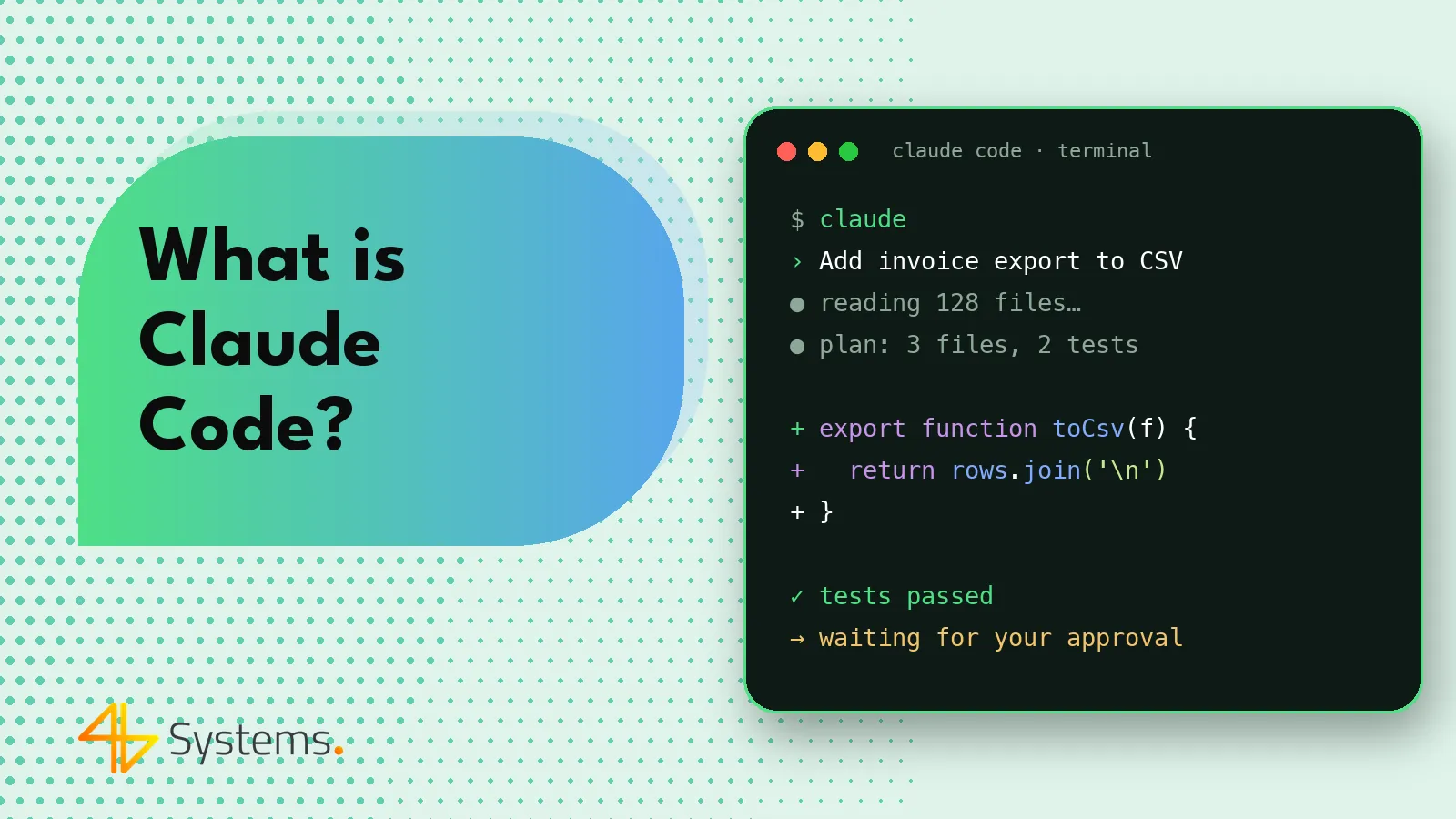
Claude Code is a tool from Anthropic that works as an AI coding agent: it runs in the terminal (as well as in code editors and apps), reads project files, makes code changes, runs commands and tests, and prepares commits when the developer asks. Unlike a regular chat where you paste in snippets of code, Claude Code has access to the entire repository and can carry out a multi-step task on its own – from finding the right place in the code, through editing several files, to checking that the tests pass. Every time, a human decides what goes into the project.
In this guide we explain what exactly Claude Code is, how it works step by step, which tasks in a software project it handles best and what limitations you should know about before your team starts using it every day.
What is Claude Code in practice?
Put simply: Claude Code is the Claude language model combined with a set of tools that let it act on your computer or server within the permissions you grant. The model “thinks” and plans, while the tools let it perform specific actions: search files, read their contents, edit code, run shell commands (e.g. installing dependencies, builds, tests), use git or connect to external systems via the MCP protocol.
So the developer doesn't ask “how do I write function X” – they assign a task: “add tax ID validation to the registration form, write the tests and check that the whole test suite passes”. The agent works out which files matter, proposes changes, makes them and reports the result. This way of working is often called agentic coding.
Claude Code is one of several tools of this kind on the market – alongside Cursor, GitHub Copilot, OpenAI Codex, Gemini CLI and Windsurf, among others. You'll find a comparison in our article on AI coding tools.
Claude Code vs. Claude AI – what's the difference?
The name can be confusing, because “Claude” is at once a family of language models, a chat app (claude.ai) and Claude Code itself. They all use the same models, but they serve different purposes.
| Feature | Claude AI (chat) | Claude Code |
|---|---|---|
| Main use | Conversation, text and document analysis, writing, answering questions | Working on code and the repository, carrying out programming tasks |
| Where it runs | Browser, desktop and mobile app | Terminal, editor extensions (e.g. VS Code, JetBrains), desktop app, web version, CI integrations |
| Access to project files | Only what the user pastes or attaches | The entire repository in the working directory, within its permissions |
| Running commands | Not in your environment | Yes – builds, tests, git, scripts (with approval or according to rules) |
| Typical output | A text answer, a code snippet to copy | Changed files, test results, a commit or pull request for review |
So if you're looking for information about “Claude AI” in a programming context, in most cases what you actually mean is Claude Code – the chat is fine for consultation, but it's the agent that does the real work in the project.
How does Claude Code work? The agent loop step by step
Working with Claude Code is like delegating a task to an experienced colleague who doesn't know the project until they've read it. A typical flow looks like this:
- Assigning the task. The developer describes the goal in natural language, ideally with context: what the change is about, what the acceptance criteria are, what not to touch.
- Gathering context. The agent searches the repository and reads configuration files, the directory structure, existing tests and code related to the task.
- Plan. For larger tasks, Claude Code presents a plan of action. It's good practice to approve the plan before the agent starts editing files – that's the cheapest moment to correct course.
- Editing code. The agent makes changes in one or many files. By default it asks for permission to edit and run commands; the scope of automatic approvals can be configured.
- Verification. It runs the linter, the build and the tests. If something fails, it analyzes the error and fixes the code – that's exactly what sets an agent apart from a code snippet generator.
- Report and review. The agent summarizes what it changed. The developer reviews the diff, raises comments, and only then does the change go into a commit and a pull request.
This “gather context – act – check – fix” loop repeats until the task is done or the agent hits a problem where it needs a human decision.
Project memory: the CLAUDE.md file
Claude Code doesn't remember previous sessions the way a person does. Permanent information about the project goes into a CLAUDE.md file in the repository: how to run the project and tests, the naming conventions, which directories not to modify, what the architecture looks like. The agent reads this file at the start of work. A well-maintained CLAUDE.md is one of the simplest ways to improve the quality of the results.
Permissions and modes
An agent that can run commands needs sensible boundaries. Claude Code lets you specify which commands and tools are allowed without asking, which require approval and which are blocked. In team work, it's worth keeping these rules in the project configuration so every developer works with the same safeguards.
Extensions: MCP, subagents, hooks
There are several ways to extend the tool. MCP (Model Context Protocol) lets you connect the agent to external systems – e.g. a database in a test environment, an issue tracker, documentation or a browser driven by Playwright. We write more about the protocol itself in our article MCP – Model Context Protocol. On top of that there are custom commands (invoked with a slash), subagents for specialized tasks and hooks – scripts that run automatically, e.g. after every file edit (formatting, linter).
What to use Claude Code for in your project
Claude Code works best on tasks that are well defined and can be verified – by tests, a build or code review. Here are the uses where the agent genuinely cuts down the work:
- Getting to know someone else's code. “Explain how the ordering process works in this project” – the agent goes through the files and describes the data flow. Very useful when taking over a project from another vendor.
- New features with a clear scope. An API endpoint, a form with validation, CSV export, a new view in the admin panel – especially when the project already has similar elements the agent can follow as a pattern.
- Refactoring. Extracting a module, renaming across many files, unifying error handling, removing dead code.
- Tests. Adding unit and integration tests to existing code, as well as E2E scenarios. We cover this in more detail in our article on AI in software testing.
- Migrations and upgrades. Upgrading a framework or library version, adapting code to a changed API, migrating from one solution to another.
- Debugging. Analyzing logs and error messages, reproducing the problem, proposing a fix along with a test that catches it.
- Documentation. README files, API descriptions, comments on complex sections, deployment notes – generated from the actual code.
- Scripts and automation. One-off data import scripts, internal tools, CI jobs.
In our projects, Claude Code is one of the tools we use to build web and mobile apps – we describe this in more detail on our page about AI apps and AI-assisted development.
How to start using Claude Code in your company
Installing the tool takes a few minutes, but rolling it out to your team is worth planning. A proven sequence:
- Choose the right plan. Claude Code is available on paid Claude plans and via the API, billed by usage. For work on company code, choose business plans or the API, where the vendor's commercial terms state that data is not used to train models. Terms and prices change – check the vendor's current pricing and terms of service.
- Prepare a CLAUDE.md. Describe how to run the project, the tests, the conventions and the areas the agent should not modify.
- Set permissions. Allow safe commands (tests, linter), require approval for the rest, and block access to files with secrets and to production environments.
- Start with small tasks. Tests, minor fixes, documentation. That way the team learns how to write prompts and how to evaluate the results.
- Require code review. Every change from the agent goes through the same code review as a change from a human. No exceptions.
- Take care of tests. The agent is only as good as the project's verification mechanisms. Without tests, there's no way to check whether “it works” really means it works.
Claude Code limitations – what to keep in mind
Claude Code can do a lot, but it isn't a developer who takes responsibility for the project. The most important limitations:
Bugs and confident mistakes
The model may suggest code that looks correct but contains a logic error, calls a library function that doesn't exist or misses an edge case. The test loop catches some of these problems, but only those covered by tests. That's why developer review is not a formality.
Limited context
The agent doesn't “see” an entire large project at once – it reads selected files. In complex systems it may miss a dependency in another module or an unwritten business rule. A good CLAUDE.md, precise prompts and splitting large tasks into smaller ones all help.
Domain and architecture knowledge
Claude Code doesn't know your customers, your processes or the decisions made in meetings. It won't decide for your team how to design a system that has to run for years. Architectural decisions, performance-vs-cost trade-offs and business priorities remain with people.
Security
An agent with access to the shell and files is a potential attack surface. Risks include accidentally exposing secrets, running an unwanted command or prompt injection – hidden instructions in files, web pages or data the agent reads. Safeguards: limited permissions, no access to production, secrets kept out of the repository, and working in a container or isolated environment for more autonomous tasks.
Costs
The agent's work consumes tokens – long sessions on a large repository can cost more than you'd expect. It's worth monitoring usage and splitting work into shorter, well-described tasks.
The temptation of “vibe coding”
It's easy to start accepting changes without reading the code because “it works, doesn't it?”. In a prototype that may be acceptable – in production it isn't. We describe the difference between these approaches in our article what is vibe coding.
Claude Code in a software house – how we use it
At 4B Systems we treat Claude Code and similar tools as a way to speed up a developer's work, not replace it. The rules we follow:
- we use tools on business plans, where client code is not used to train models,
- every change generated by the agent is reviewed by the developer responsible for that area,
- the agent has no access to production or production data,
- we verify functionality with automated tests, including E2E tests in Playwright,
- decisions about architecture, security and scope are made by the team, not the tool.
As a result, the client gets faster delivery of the repetitive parts of the project – and at the same time code that specific people are accountable for and that can be developed further.
Summary
Claude Code is an AI agent that works directly on the repository: it reads code, edits files, runs tests and reports the results. It works best on well-described, verifiable tasks – new features with a clear scope, refactoring, tests, migrations and documentation. Its limitations are possible errors, limited context, no business knowledge and security risks – which is why permissions, tests and human code review are essential.
Want to use AI in your project without putting code quality at risk? At 4B Systems we build web and mobile apps with Claude Code and other AI tools – with every change reviewed by a developer and covered by automated tests. See how we work on our AI-assisted development at 4B Systems page and tell us about your project – we'll prepare a quote within 48 hours.
Frequently asked questions
Is Claude Code free?
Claude Code is available on paid Claude plans or via the API, billed per token used. Plans and prices change regularly, so check the vendor's current pricing before you decide.
How is Claude Code different from Claude AI?
Claude AI is a chat app for conversation and content analysis – you have to paste code into it. Claude Code is an agent that runs in the terminal or editor, has access to the repository, edits files and runs commands, such as tests.
Can Claude Code replace a developer?
No. It speeds up well-defined tasks, but it doesn't take responsibility for architecture, security or alignment with business requirements. Every change should go through code review by a developer.
Is company code safe when working with Claude Code?
It depends on the plan and configuration. On business plans and via the API, the vendor's commercial terms state that data is not used to train models – it's worth verifying them. In addition, you should limit the agent's permissions, keep secrets out of the repository and never give it access to production.
Which programming languages does Claude Code work with?
Claude Code isn't tied to a single language – it works with popular languages and frameworks, including JavaScript/TypeScript, Python, PHP, Java, C#, Go, Swift and Kotlin. The quality of the results, however, depends on how well the project is documented and tested.
What is a CLAUDE.md file?
It's a file in the repository with instructions for the agent: how to run the project and tests, which conventions apply and what not to modify. Claude Code reads it at the start of each session, so you don't have to repeat this information in every prompt.