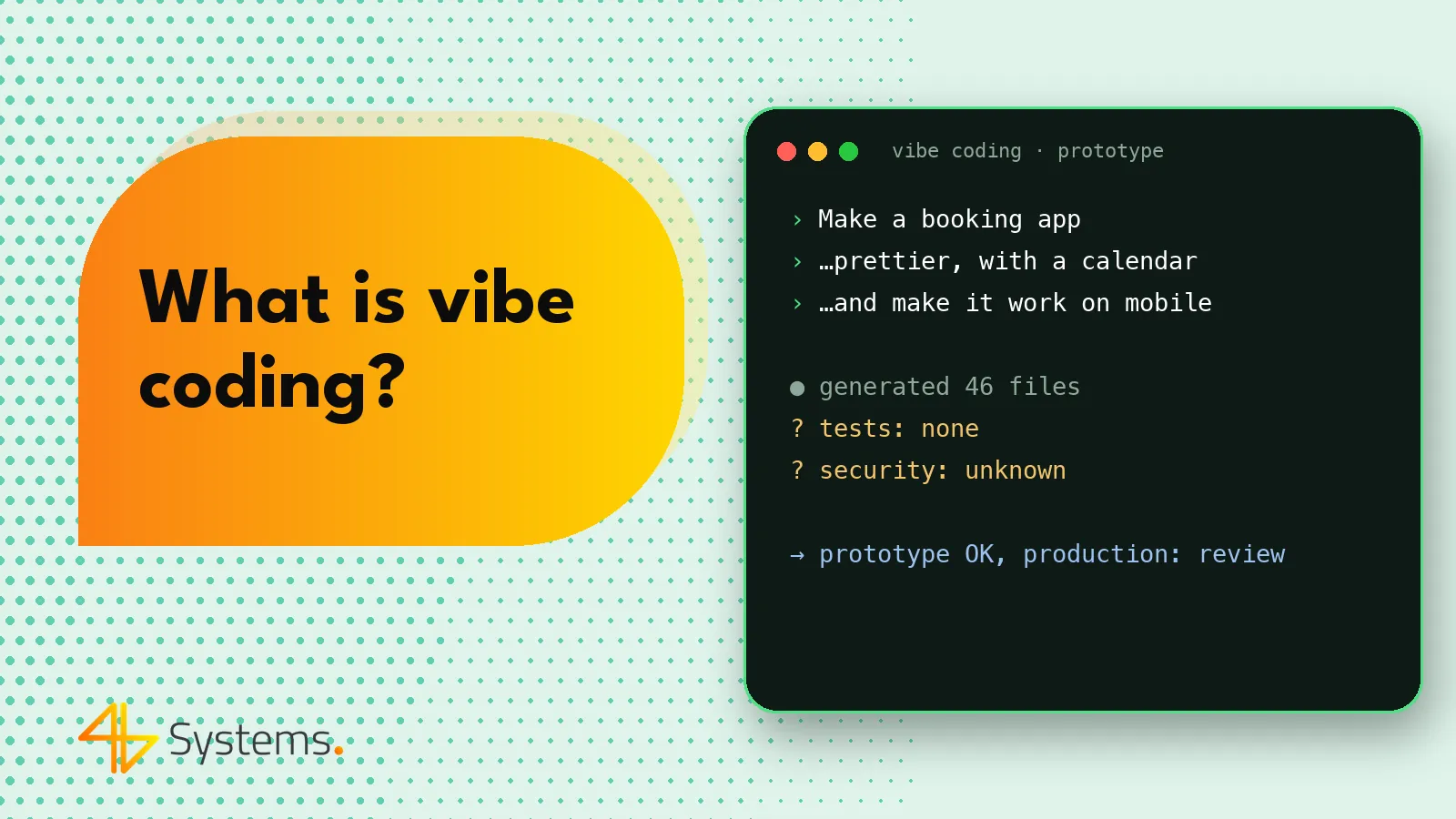
Vibe coding is a way of creating software in which you describe to an AI tool in natural language what you want built, accept the generated code without reading it and judge only the outcome – whether the app “works” and looks the way you want. When something doesn't work, you paste the error message back into the AI and ask for a fix. This approach lets you build a prototype very quickly, but – precisely because nobody understands the resulting code – it carries serious risks once the app has to serve real customers, data and payments.
In this article we explain where the term vibe coding came from, which tools are used for it, when the approach makes sense and when it becomes a problem, and how it differs from professional AI-assisted software engineering.
What is vibe coding and where did the term come from?
The term “vibe coding” was popularized in early 2025 by Andrej Karpathy – an AI researcher, co-founder of OpenAI and former head of AI at Tesla. In a short post on X, he described a way of working in which he “gives in to the vibes”: he tells the tool what he wants, accepts all proposed changes without reading the code diffs, and pastes errors back into the AI until the project starts working. He noted that the approach is good for throwaway weekend projects.
The term quickly took on a life of its own. Today it's used in two senses:
- narrow – in line with the original description: building apps with AI without reading or understanding the code,
- broad – as a colloquial term for any programming with AI assistance, which can be misleading.
In this article we stick to the narrow meaning. The key distinction is simple: if a developer reads, understands, tests and reviews the code generated by AI, it isn't vibe coding – it's AI-assisted development. Vibe coding starts where understanding of the code ends.
Vibe coding in practice – what the work looks like
A typical vibe coding session goes roughly like this:
- You describe your idea: “Build an appointment booking app for a hair salon, with a calendar, a list of services and an owner dashboard”.
- The tool generates the code for the whole app and immediately shows a preview in the browser.
- You look at the result and add more prompts: “change the colors to navy blue”, “add email login”, “send a booking confirmation”.
- When an error appears, you copy the message and ask: “fix this”.
- After a few hours you have something that looks like a finished app – and often you can publish it with a single click.
All this time you never look at the code. You don't know how the data is stored, who has access to it, how login works or what happens when two people book the same slot at the same time.
Vibe coding tools: Lovable, Bolt, v0 and others
You can vibe code in pretty much any AI coding tool, but it's most often associated with platforms that run the app straight in the browser and don't require setting up an environment:
| Tool | What it does | Best for |
|---|---|---|
| Lovable | Generates web apps from a description, with the option to connect a database and login and to sync the code with a repository | Prototypes and MVPs of web apps with a simple back end |
| Bolt.new | Creates and runs the project directly in the browser, with a preview and the ability to edit files | Quick prototypes, demos, experiments with JavaScript frameworks |
| v0 (Vercel) | Generates interfaces and components, mainly in the React and Next.js ecosystem | UI mockups, screens, components for further development by programmers |
| AI editors and agents (e.g. Cursor, Claude Code, Windsurf) | Working on a local project, editing many files, running commands | Both vibe coding and professional work – depending on whether the code is reviewed |
The features, limitations and pricing of these platforms change often – check the vendor's current offer before choosing. You'll find a broader comparison in our article on AI coding tools.
When vibe coding makes sense
Vibe coding isn't bad in itself. It's a very good tool if you use it for the right purposes:
- A prototype to validate an idea. Instead of weeks of work on mockups, in a single day you can show a clickable version to potential customers and find out whether they're interested at all.
- Material for talking to a vendor. A prototype from Lovable or Bolt communicates what you expect brilliantly – better than a dozen-page document. A software house will understand the scope faster and quote the project more accurately.
- A demo for an investor or the board. When the point is to show a concept, not to serve real users.
- One-off personal tools. A simple calculator, a script to convert a file, an event page that doesn't collect personal data.
- Learning and experiments. Checking how a new framework works or what a feature could look like before the team starts building it.
The common denominator: a short lifespan, no sensitive data, no payments and no situation where a bug costs real money or customer trust.
The risks of vibe coding in production
Problems start when a vibe-coded prototype “quietly” becomes a production app. The most common risks:
Security and data
Code nobody has read may contain API keys visible in the browser, missing server-side permission checks, misconfigured database access rules or vulnerabilities to common attacks (e.g. SQL injection, XSS). The app “works” – it just also works for someone who shouldn't be able to see other people's data. With personal data, that's also a legal problem under GDPR.
Dependencies and the supply chain
AI models can suggest a library whose name doesn't exist – or does exist, but was published by someone counting on exactly that mistake. Without a dependency review, it's easy to bring unverified code into the project.
Technical debt and maintenance
Each new “fix this” prompt piles patches on top of patches. After a few weeks the code becomes hard to understand even for the AI – every change breaks something else. When you need to develop it further, have a team take over the project or run an audit, it turns out to be cheaper to rewrite part of the app from scratch.
No tests and no edge cases
Vibe coding checks the “happy path”: I click, it works. It doesn't check what happens with invalid data, a dropped connection, two simultaneous operations or a thousand users at once. Without automated tests, every change is a gamble.
Scaling, costs and platform lock-in
An architecture generated for a quick preview isn't necessarily fit for heavier traffic. On top of that, some platforms host the app on their own infrastructure – it's worth knowing whether the code can be exported and run elsewhere.
Vibe coding vs. AI-assisted software engineering – the differences
Professional teams use AI heavily too. The difference isn't in the tools, but in the process and accountability.
| Area | Vibe coding | Engineering with AI |
|---|---|---|
| Reading the code | No – only the result matters | Yes – a developer reviews every change |
| Architecture | Whatever the AI suggests | Designed by the team, AI implements the parts |
| Testing | Manual clicking around | Unit, integration and E2E tests in CI |
| Security | Haphazard | Review of permissions, secrets and dependencies, GDPR compliance |
| Maintenance | Difficult, often from scratch | Code the team understands, documentation, a repository |
| Accountability | Nobody knows the code | Specific people are responsible for areas of the system |
| Best use | Prototype, demo, experiment | Production apps, customer-facing systems |
In AI-assisted engineering, tools such as Claude Code, Cursor or GitHub Copilot speed up writing code, tests and documentation, but the final say belongs to a human. You can read more about one of these tools in our article what is Claude Code.
From a vibe-coded prototype to a production app
Already have a prototype from Lovable, Bolt or v0 and want to turn it into a real product? A sensible path looks like this:
- Treat the prototype as a specification, not a foundation. What's most valuable is what the prototype shows: screens, flows, features, user reactions.
- Review the code and architecture. An experienced team will assess which parts can be kept (e.g. UI components) and which need to be rebuilt (e.g. permission logic, the data model).
- Write down the non-functional requirements. Number of users, personal data, payments, integrations, accessibility, legal requirements.
- Design the backend and security. Server-side authorization, secrets storage, backups, logs.
- Add automated tests. Cover the key paths with E2E tests, e.g. in Playwright – details in our article on AI in software testing.
- Roll out in stages. Start with a closed group of users and error monitoring, then launch fully.
A well-prepared prototype often shortens the production project, because it eliminates long discussions about "what it should look like". That is one of the reasons we at 4B Systems use v0, Lovable and Bolt ourselves at the prototyping stage – and then build the production version in a process with code review and testing. We describe this on our page about AI apps and AI-assisted development.
How to use vibe coding safely in your company
If your employees are already building tools by vibe coding – and in many companies they are – it is worth agreeing on a few simple rules:
- prototypes do not process real personal data or customer data,
- no passwords, API keys or confidential documents are pasted into AI tools,
- we use company accounts with clear data processing terms, not private ones,
- nothing built by vibe coding reaches customers without a review by a developer,
- we keep a list of such tools so we know what is running in the company and who is responsible for it.
Summary
Vibe coding means building applications by talking to AI, without reading the code. The term was popularized by Andrej Karpathy in 2025, who described it as an approach for quick, throwaway projects – and in that role it works brilliantly: prototypes, demos, idea validation. A production application, however, needs something else: architecture, testing, security and people who understand the code. AI tools can speed this work up considerably, but they will not replace the engineering process.
Do you have a prototype built in Lovable, Bolt or v0 and want to turn it into a product? The 4B Systems team will assess the code, propose an architecture and build a production application with the help of AI tools – with every change reviewed and automated tests in place. See how our AI-assisted software development for businesses works and send us your prototype – we will prepare a quote within 48 hours.
Frequently asked questions
Who coined the term vibe coding?
The term was popularized in early 2025 by Andrej Karpathy, an AI researcher and co-founder of OpenAI. He used it to describe programming by telling AI what you want and accepting changes without reading the code.
Is vibe coding the same as AI-assisted development?
No. AI-assisted development can include full review, testing and understanding of the code generated by the model. Vibe coding, in its original meaning, means precisely giving up on reading the code and judging only the outcome.
Can an app built in Lovable or Bolt be deployed to production?
Technically it often can, but before releasing it to customers it's worth commissioning a review of the code, security and architecture. Usually some elements, such as the interface, can be kept, while the permission logic and the data model need to be fixed or rebuilt.
What is vibe coding best suited for?
For prototypes, demonstrating an idea, validating it with customers, one-off tools and learning. It works where the app has a short life and doesn't process sensitive data or payments.
What are the biggest risks of vibe coding?
The main ones are security gaps and data leaks, unverified dependencies, missing tests and quickly mounting technical debt. As a result, the app may work for a demo but be hard or costly to develop further.
Should a company ban employees from vibe coding?
It's usually better to set rules than to ban it. Prototypes shouldn't use real customer data, tools should run on company accounts, and nothing should reach customers without review by a developer.